Template of the Week – Free Google Docs Templates Powered by Spreadsheets
Each week, we publish a free, ready-to-use template for Google Docs—designed to work seamlessly with Google Sheets using the DataToDoc add-on. Whether you’re creating invoices, reports, school worksheets, or printable flashcards, our templates help you automate document creation and save hours of manual formatting.
What You’ll Find Here
- ✅ Professionally designed Google Docs templates
- ✅ Templates linked to real spreadsheet data
- ✅ Easy to customize with your own content
- ✅ 100% free and updated every week
- ✅ Ideal for teachers, freelancers, businesses, and students
Popular Template Categories
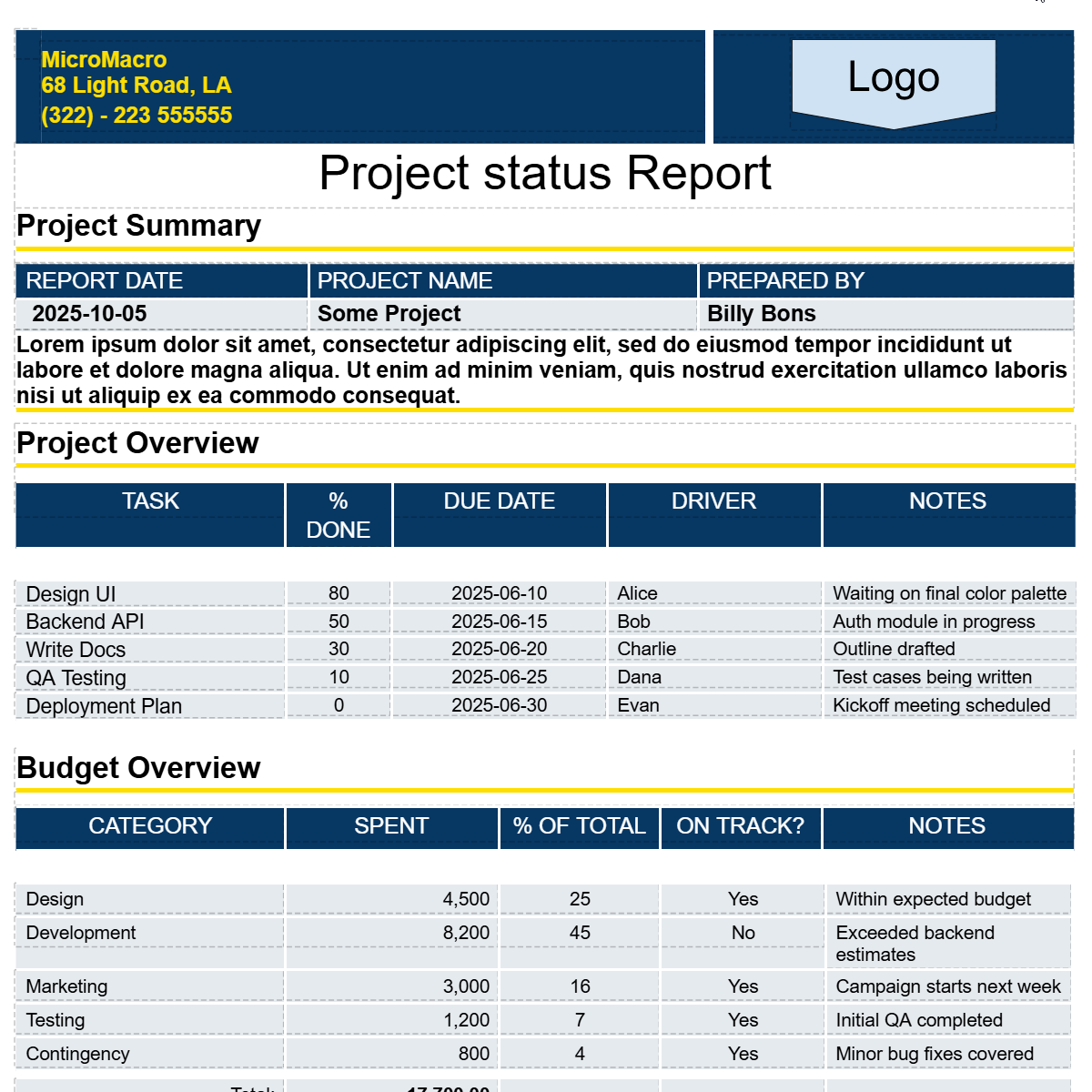
- Business Reports
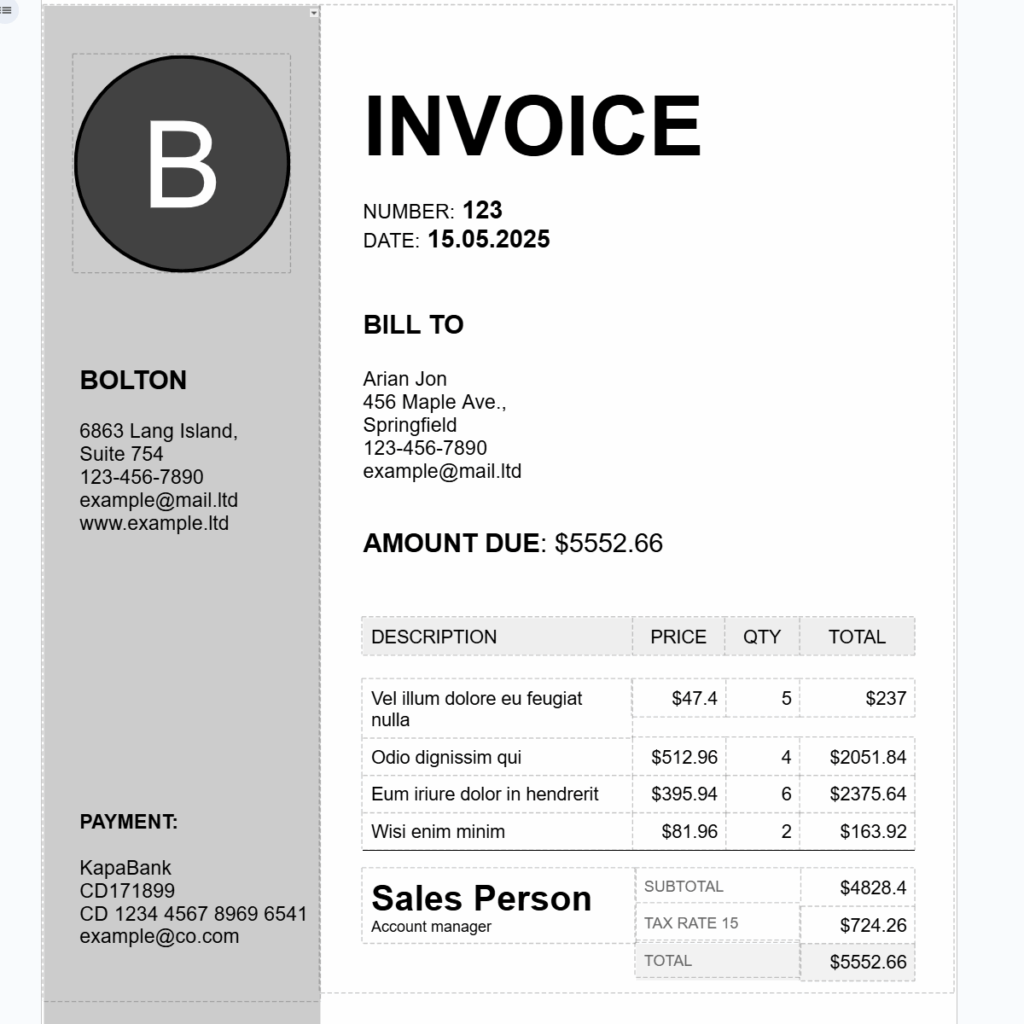
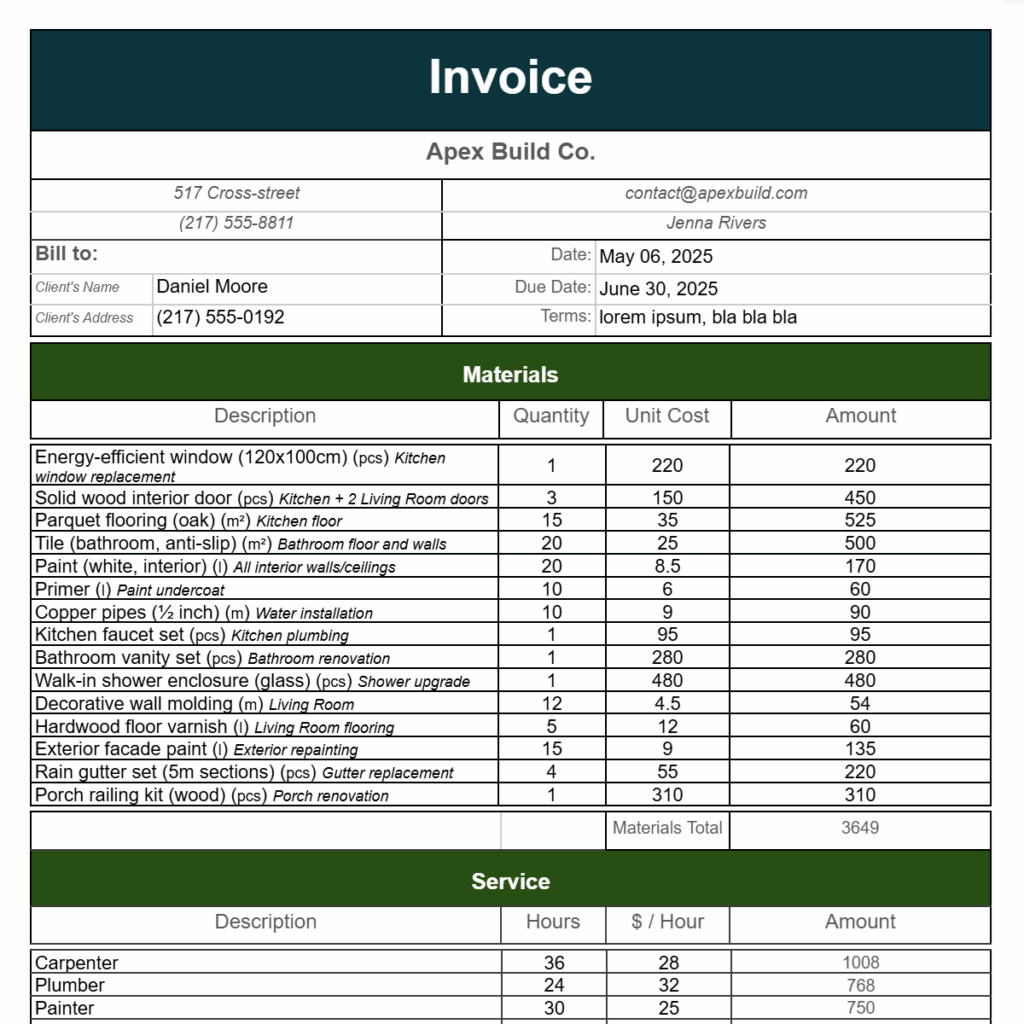
- Invoices & Quotes
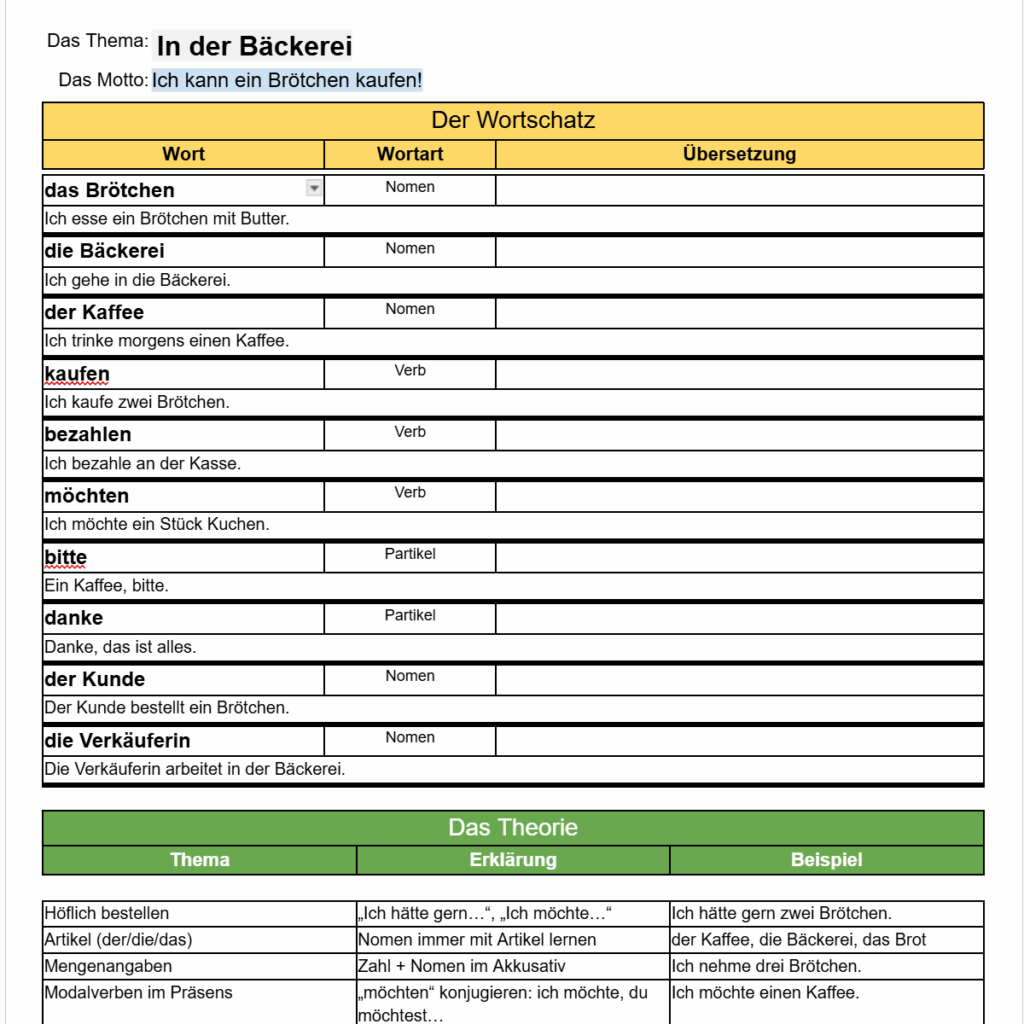
- School Worksheets & Flashcards
- Certificates & Forms
- Letters & Labels
How It Works
Each template is paired with a sample Google Sheet.
Just install the DataToDoc add-on, copy the desired template and spreadsheet, and generate a polished document in seconds.
No more copy-paste — just smart templates that scale.
How to use the template
- Click the link below the template thumbnail.
- Make copies of both the Google Docs template and the Google Sheets spreadsheet.
- Open your copy of the Google Docs template.
- Launch the DataToDoc add-on: Extensions → DataToDoc → Start.
- Select your copy of the spreadsheet.
- Click Merge and enjoy the result!